How to compress a video for Discord
Last updated:
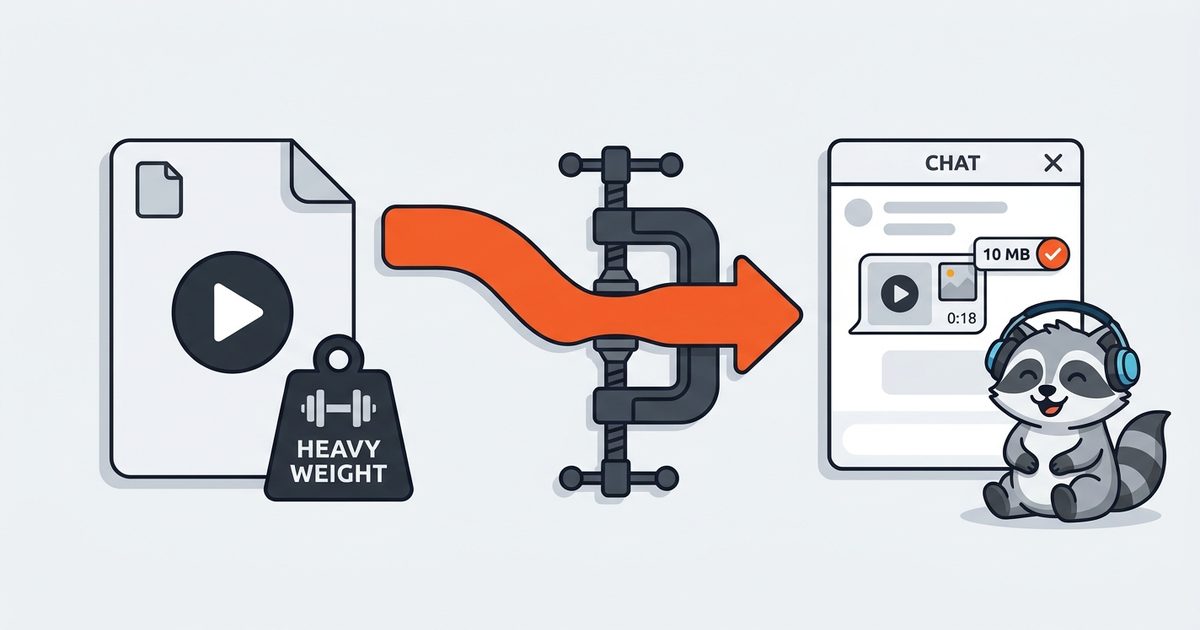
To compress a video for Discord, open VidFinch Video Compressor, choose the video, pick Discord (10 MB) as the target size, tap Compress video and download the MP4. The file comes out under 10 MB, the free upload limit on Discord, so you can send it right away. It runs in your browser on PC, Mac, iPhone and Android, and the video is never uploaded.
Step by step
- Open VidFinch Video Compressor in any browser.
- Tap Choose a video and pick the clip, or drop it on the box.
- Leave the target size on Discord (10 MB).
- Tap Compress video. If the first pass is a little too big, it squeezes it again automatically.
- Tap Download MP4, then drag the file into Discord or tap + to attach it.
Discord upload limits
| Account | Max file size | Pick in VidFinch |
|---|---|---|
| Free | 10 MB | Discord (10 MB) |
| Nitro Basic | 50 MB | 50 MB |
| Nitro | 500 MB | Usually no need to compress |
Limits can change. If Discord still refuses the file, check the limit shown in its error message and use Custom size.
How much video fits in 10 MB
The longer the video, the fewer bits each second gets, so VidFinch lowers the resolution to keep the picture clean instead of blocky.
| Video length | What you get in 10 MB |
|---|---|
| Up to 30 seconds | Sharp, up to 1080p |
| About 1 minute | Good, around 720p |
| About 2 minutes | Fine for a phone screen, around 480p |
| 5 minutes or more | Low resolution: trim it first |
If the video is too long for 10 MB
- Cut it down to the moment that matters with Trim Video, then compress the shorter clip.
- Crop away borders or empty space with Crop Video: fewer pixels leave more room for detail.
- Remove the sound with Remove Audio if it isn’t needed: it frees a little space.
- Share a link instead: upload long videos to a cloud drive and paste the link in Discord.
Questions
What is the Discord file size limit?
10 MB for free accounts, 50 MB with Nitro Basic and 500 MB with Nitro.
Why does Discord say my file is too large?
The video is over your upload limit. Compress it to 10 MB (or 50 MB with Nitro Basic) and send it again.
Will the video still look good?
Short clips stay sharp. Longer videos are scaled down to a lower resolution so they don’t turn into blocks, and still look fine in the Discord player.
Is my video uploaded?
No. VidFinch compresses it inside your browser; the file never leaves your device until you send it on Discord.
Other downloaders
- Video Compressor
- Twitter (X) Video Downloader
- Threads Video Downloader
- Pinterest Video Downloader
- Bluesky Video Downloader
- LinkedIn Video Downloader
- Snapchat Spotlight Downloader
- How to make a GIF from a video
- How to save a GIF from Twitter (X)
- How to make a GIF from a video on iPhone
- How to convert a video to MP3 on iPhone
- How to turn a GIF into a video
- How to remove audio from a video on iPhone
- How to compress a video on iPhone
- How to trim a video
- How to crop a video to 9:16 (vertical)
- How to add blurred sides to a vertical video
- How to download a video from LinkedIn
- How to compress a video for email
- Supported platforms, formats and limits