How to add blurred sides to a vertical video
Last updated:
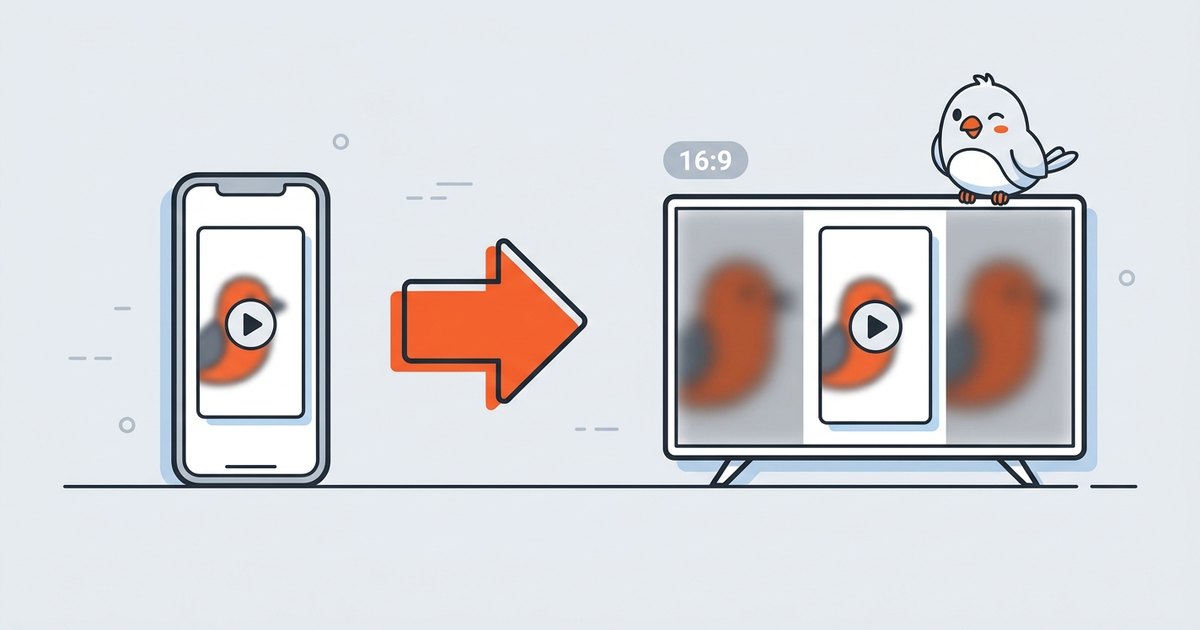
To blur the sides of a vertical video, open VidFinch Vertical to Horizontal, choose the video, keep Horizontal 16:9 and Blurred video, then tap Convert video and download the MP4. The whole video stays sharp in the middle and a zoomed, blurred copy of it fills the sides, like on TV news. It is free, works on any device and nothing is uploaded.
Convert Vertical Video to Horizontal
Step by step
- Open vidfinch.com/vertical-to-horizontal-video in any browser, on your phone or computer.
- Tap Choose a video and pick your vertical video (MP4, MOV or WEBM), or drop it on the box.
- Keep Horizontal 16:9 as the shape and Blurred video as the background. The preview shows the result right away; tap Play to check it moving.
- Tap Convert video and keep the page open until it reaches 100%.
- Tap Download MP4. On iPhone, open Files → Downloads, tap the video, then Share → Save Video.
Every frame is redrawn, so a long video takes a while. Short clips are done in seconds.
Blurred sides, black bars or cropping?
For black or white instead of blur, pick it under Background. To crop instead, use VidFinch Crop Video.
| Option | What you get | Best for |
|---|---|---|
| Blurred sides | The whole video, with a soft copy of it filling the sides | YouTube, TV, presentations: looks finished |
| Black bars | The whole video, with black on both sides | A neutral look, or when the video is very busy |
| Cropping | A full-screen slice, with the top and bottom cut off | When the action is in the middle of the frame |
The other way: horizontal video with blurred top and bottom
For TikTok, Reels and Shorts, do the opposite: open VidFinch Horizontal to Vertical, keep Vertical 9:16 and Blurred video. The whole horizontal video sits in the middle, and the blurred copy fills the top and bottom of the phone screen.
What size is the result?
| Your video | Result in 16:9 |
|---|---|
| 1080 × 1920 (vertical 1080p) | 1920 × 1080 |
| 720 × 1280 (vertical 720p) | 1280 × 720 |
| 2160 × 3840 (vertical 4K) | 1920 × 1080 |
Smaller videos give a smaller result, so they are not blown up for nothing. The sound is kept as it is.
Questions
Why do vertical videos get black bars on YouTube?
A vertical video is narrower than a 16:9 screen, so the player fills the empty sides with black. Blurred sides fill that space with the video itself.
Is the video cut off?
No. The whole video stays in the middle; only the empty sides are filled.
Can I do it on my phone?
Yes. The tool works in Safari on iPhone (iOS 16.4 or later) and in Chrome on Android, with no app.
Is there a watermark?
No. The video has no watermark and no logo.
Is my video uploaded?
No. The video is converted in your browser, on your own device.
Other downloaders
- Convert Vertical Video to Horizontal
- Twitter (X) Video Downloader
- Threads Video Downloader
- Pinterest Video Downloader
- Bluesky Video Downloader
- LinkedIn Video Downloader
- Snapchat Spotlight Downloader
- How to make a GIF from a video
- How to save a GIF from Twitter (X)
- How to make a GIF from a video on iPhone
- How to convert a video to MP3 on iPhone
- How to turn a GIF into a video
- How to remove audio from a video on iPhone
- How to compress a video for Discord
- How to compress a video on iPhone
- How to trim a video
- How to crop a video to 9:16 (vertical)
- How to download a video from LinkedIn
- How to compress a video for email
- Supported platforms, formats and limits