How to turn a GIF into a video
Last updated:
To turn a GIF into a video, open VidFinch GIF to MP4 in any browser, choose the GIF file, pick how many times it should loop (Instagram needs at least 3 seconds), then tap Convert to MP4 and Download MP4. The MP4 is made on your own device, so nothing is uploaded, and it is usually several times smaller than the GIF.
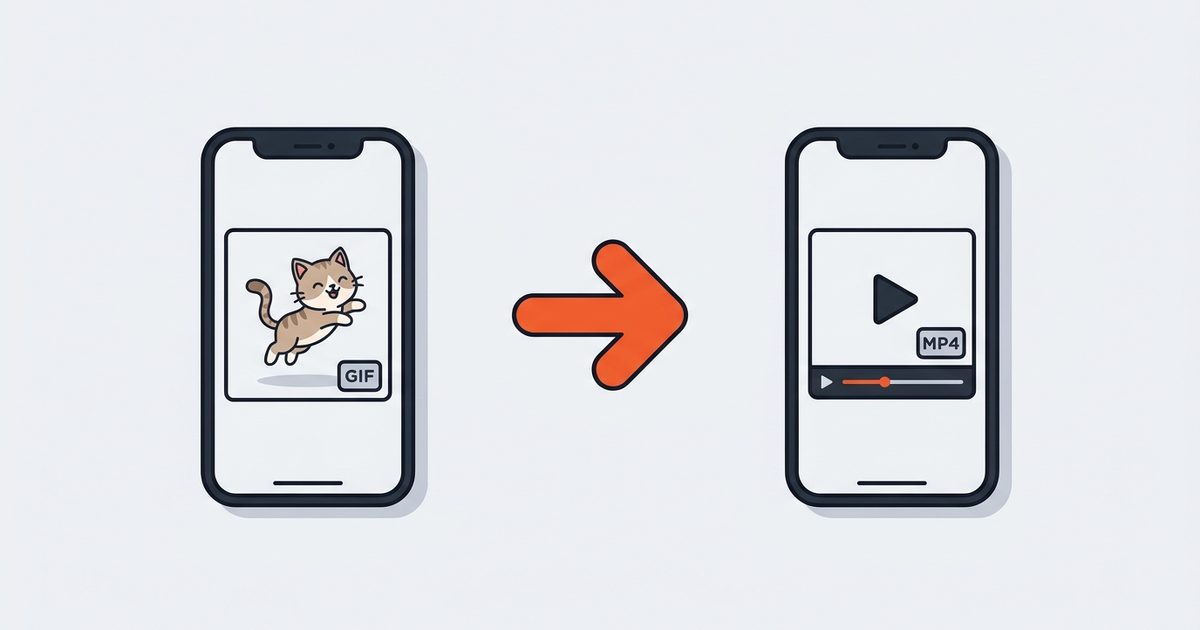
Step by step
- Open VidFinch GIF to MP4 in any browser.
- Tap Choose a GIF and pick the .gif file, or drop it on the box.
- Check the preview: it shows the size, the number of frames and the length.
- Pick the number of loops. 1× keeps the GIF as it is; 3× or more makes a short GIF long enough for Instagram.
- Tap Convert to MP4, watch the preview, then tap Download MP4.
How many loops to choose
| Where you post | What it needs | Loops for a 1-second GIF |
|---|---|---|
| Instagram (feed, Reels, Stories) | A video of at least 3 seconds | 3× or more |
| TikTok | A short video; a loop of 5 to 10 seconds looks natural | 5× or 10× |
| WhatsApp, Telegram, X | Any length: they play short videos in a loop | 1× |
| Slides, a website, a video editor | Whatever length you need | 1× to 10× |
On iPhone, Android and computers
On iPhone and iPad, use Safari. Tap Choose a GIF and pick it from your Photo Library. If the page says the file is not a GIF, open the GIF, tap Share → Save to Files, then choose it with Browse instead. The MP4 is saved in Files → Downloads; open it and tap Share → Save Video to add it to Photos.
On Android, use Chrome and pick the GIF from Files or Downloads. The MP4 goes to the Downloads folder and shows up in Google Photos or the Gallery.
On Windows and Mac, any modern browser works, and the MP4 lands in your Downloads folder.
GIF or MP4: what changes
| GIF | MP4 | |
|---|---|---|
| File size | Large | Usually several times smaller |
| Colours | At most 256 per frame | Millions, smoother gradients |
| Loops by itself | Yes, everywhere | Only if the app or player loops it |
| Transparency | Yes | No: see-through parts become white |
| Accepted by Instagram and TikTok | No | Yes |
Good to know
- A GIF has no sound, so the MP4 is silent too. To add music, open the MP4 in a video editor such as CapCut or iMovie.
- GIFs from X (Twitter) are already MP4 videos: save them with our Twitter GIF downloader and keep the MP4.
- Very long GIFs make long videos: the MP4 can be up to 10 minutes, loops included.
Questions
Can I turn a GIF into a video for free?
Yes. VidFinch GIF to MP4 is free, adds no watermark and needs no account or app.
Why does Instagram refuse my GIF?
Instagram only accepts photos and videos, and videos must last at least 3 seconds. Convert the GIF to MP4 and loop it 3× or more if it is short.
Will the video loop like the GIF?
An MP4 plays once unless the app loops it. Instagram, TikTok, WhatsApp and X loop short videos by themselves; for other places, repeat the GIF inside the video with the Loops option.
Is my GIF uploaded?
No. The video is made in your browser and the GIF never leaves your device.
Other downloaders
- GIF to MP4 Converter
- Twitter (X) Video Downloader
- Threads Video Downloader
- Pinterest Video Downloader
- Bluesky Video Downloader
- LinkedIn Video Downloader
- Snapchat Spotlight Downloader
- How to make a GIF from a video
- How to save a GIF from Twitter (X)
- How to make a GIF from a video on iPhone
- How to convert a video to MP3 on iPhone
- How to remove audio from a video on iPhone
- How to compress a video for Discord
- How to compress a video on iPhone
- How to trim a video
- How to crop a video to 9:16 (vertical)
- How to add blurred sides to a vertical video
- How to download a video from LinkedIn
- How to compress a video for email
- Supported platforms, formats and limits