How to compress a video on iPhone
Last updated:
To compress a video on iPhone, open VidFinch Video Compressor in Safari, tap Choose a video and pick it from your Photo Library, choose a size (Discord 10 MB, Email 25 MB, half the size or your own), tap Compress video and download the MP4. The iPhone has no built-in compress button, but this works in Safari with no app, and the video is never uploaded.
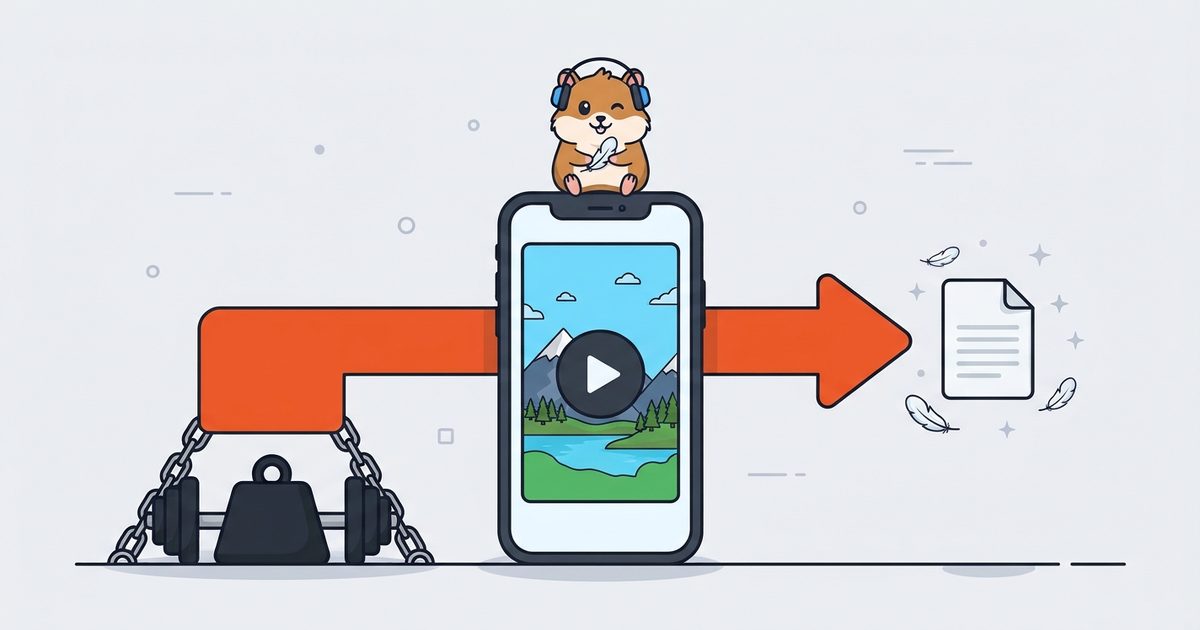
Step by step (Safari, no app)
- Open Safari and go to vidfinch.com/compress-video.
- Tap Choose a video, then Photo Library, and pick your video.
- Pick a target size: Discord (10 MB), Email (25 MB), 50 MB, Half the size, or Custom size.
- Tap Compress video and keep the page open until it finishes.
- Tap Download MP4. The file is saved in Files → Downloads; open it and tap Share → Save Video to add it to Photos.
Why iPhone videos are so big
The iPhone records in very high quality by default. According to Apple’s own Camera settings, one minute of video takes about:
| Camera setting | Size of 1 minute (High Efficiency) |
|---|---|
| 720p HD at 30 fps | about 40 MB |
| 1080p HD at 30 fps | about 60 MB |
| 1080p HD at 60 fps | about 90 MB |
| 4K at 30 fps | about 170 MB |
| 4K at 60 fps | about 400 MB |
Record smaller videos from now on
- Open Settings → Camera → Record Video.
- Pick 1080p HD at 30 fps instead of 4K: videos take about a third of the space and still look great on phones.
- In Settings → Camera → Formats, keep High Efficiency: it makes files about half the size of Most Compatible.
This only changes new videos. For videos you already have, use the compressor above.
Which size to pick
| To send it by… | Pick |
|---|---|
| Discord (free) | Discord (10 MB) |
| Email (Gmail, Outlook) | Email (25 MB) |
| Half the size, or 50 MB for long videos | |
| Just to save space | Half the size |
Questions
Does the iPhone have a built-in way to compress a video?
Not in the Photos app. Messages and Mail may shrink a video when sending it, but you don’t choose the size. VidFinch in Safari lets you pick the exact size.
Do I need an app to compress videos on iPhone?
No. VidFinch Video Compressor works in Safari and saves the MP4 like any download.
Will the compressed video still play in Photos?
Yes. You get a standard MP4 (H.264) that plays in Photos, WhatsApp, Discord and everywhere else.
Is my video uploaded?
No. It is compressed inside Safari, on your iPhone.
Other downloaders
- Video Compressor
- Twitter (X) Video Downloader
- Threads Video Downloader
- Pinterest Video Downloader
- Bluesky Video Downloader
- LinkedIn Video Downloader
- Snapchat Spotlight Downloader
- How to make a GIF from a video
- How to save a GIF from Twitter (X)
- How to make a GIF from a video on iPhone
- How to convert a video to MP3 on iPhone
- How to turn a GIF into a video
- How to remove audio from a video on iPhone
- How to compress a video for Discord
- How to trim a video
- How to crop a video to 9:16 (vertical)
- How to add blurred sides to a vertical video
- How to download a video from LinkedIn
- How to compress a video for email
- Supported platforms, formats and limits